KonamiSupported
Konami GV
PlayStation-derived Konami arcade hardware with CD-ROM, specialized controls, and game-specific daughterboards.
View systems →
Arcade Emulation
Arcade-focused emulation for PlayStation-derived arcade hardware.
Hardware Support
PlayStation-derived Konami arcade hardware with CD-ROM, specialized controls, and game-specific daughterboards.
View systems →PlayStation-derived arcade hardware using SCSI storage, expanded RAM, and dedicated Konami sound hardware.
View systems →Namco's PlayStation-derived arcade platform and the next major hardware family targeted for ArcadeDuck.
View systems →Designed for the Cabinet
Built around arcade ROM sets, CHDs, board-specific BIOS files, and the storage formats used by the original hardware.
Dedicated support for coin, start, test, service, multiplayer controls, and game-specific control layouts.
Native profiles for joysticks, trackballs, lightguns, specialized controllers, and multi-device Raw Input.
Save game-specific controls and configuration so each title can launch with the hardware setup it actually needs.
Featured Games
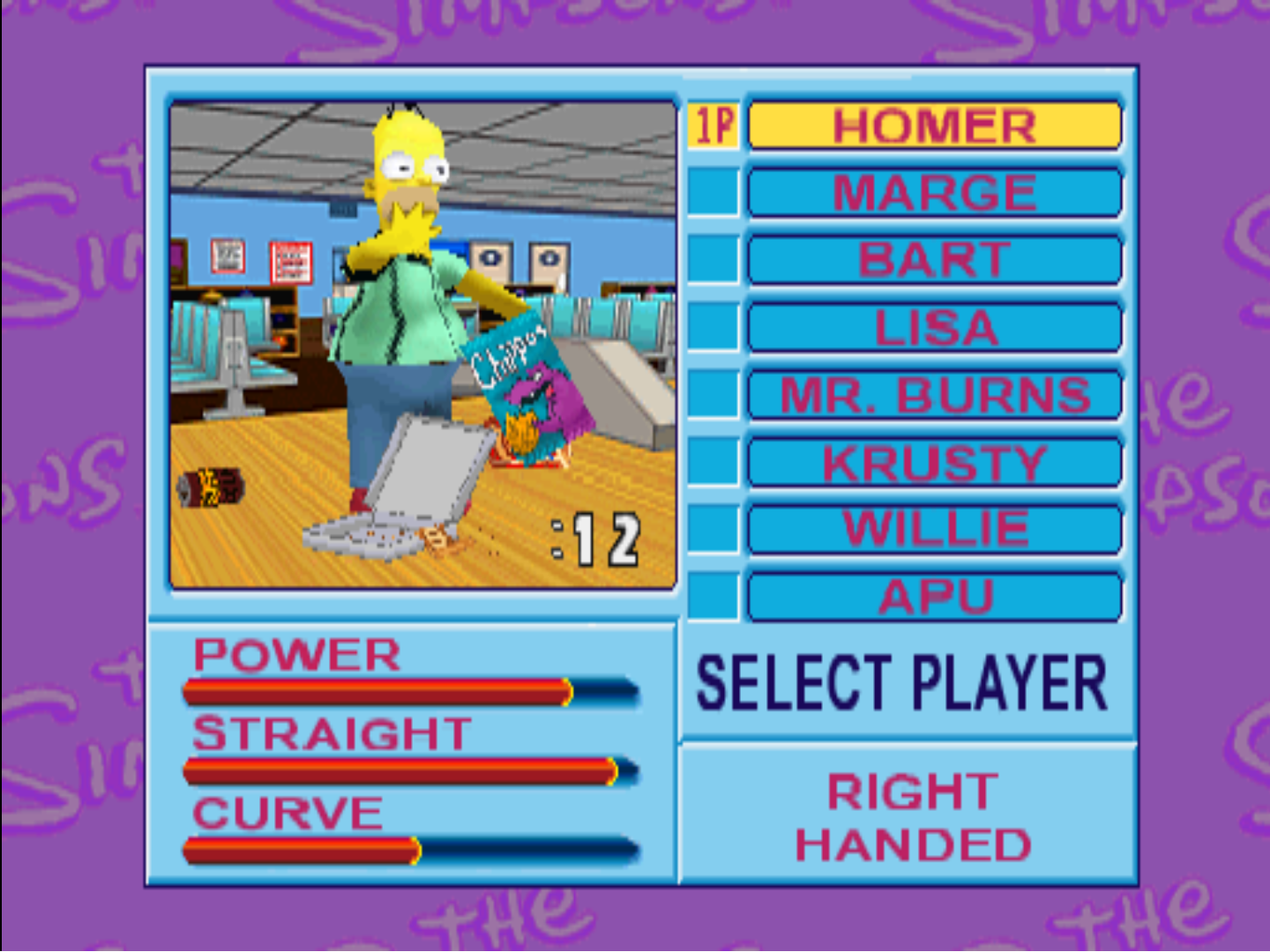
Dedicated trackball input with game-specific ArcadeDuck controls and Konami GV hardware support.
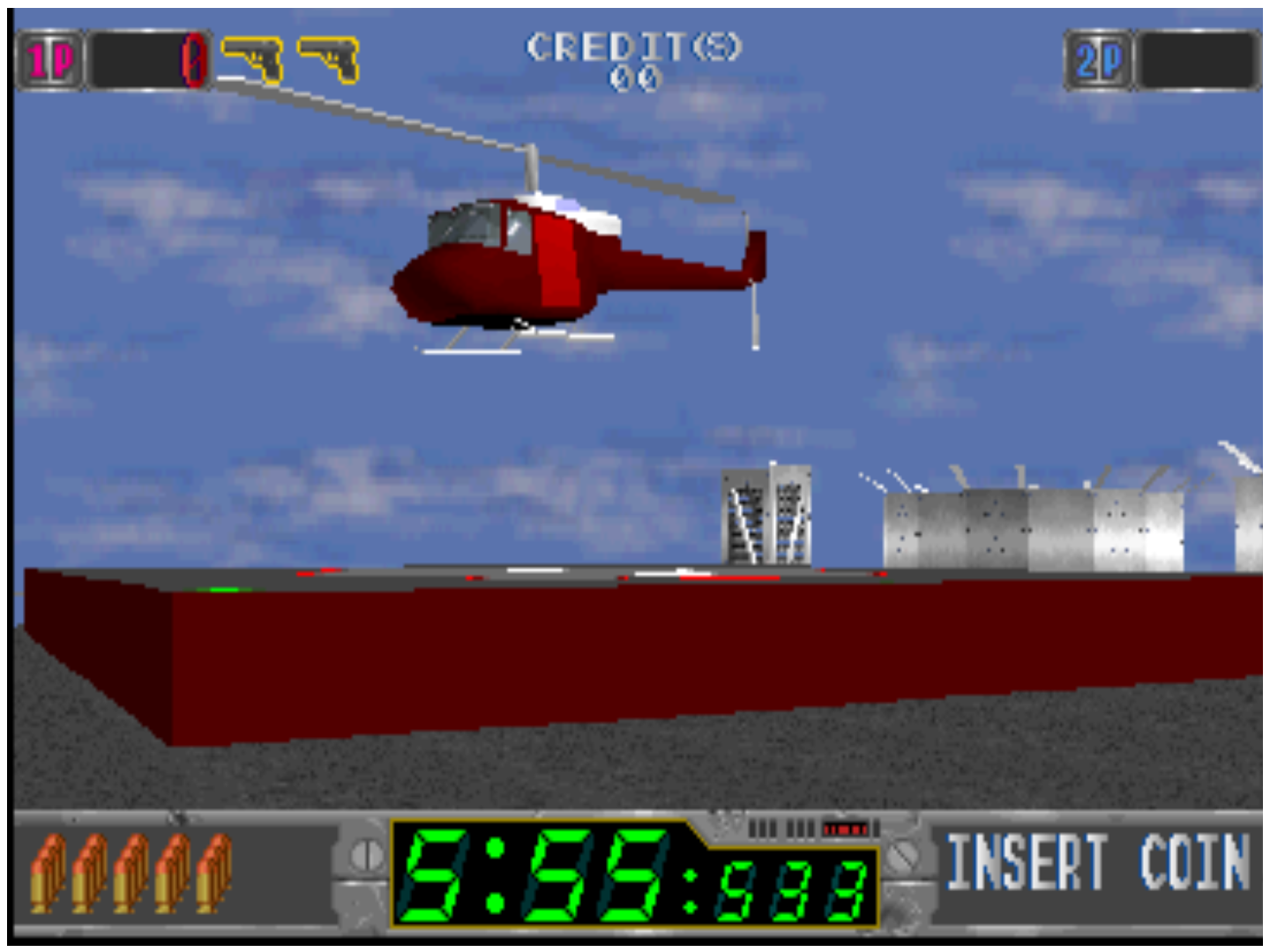
Two-player lightgun support with independent pointer devices and arcade-oriented input handling.
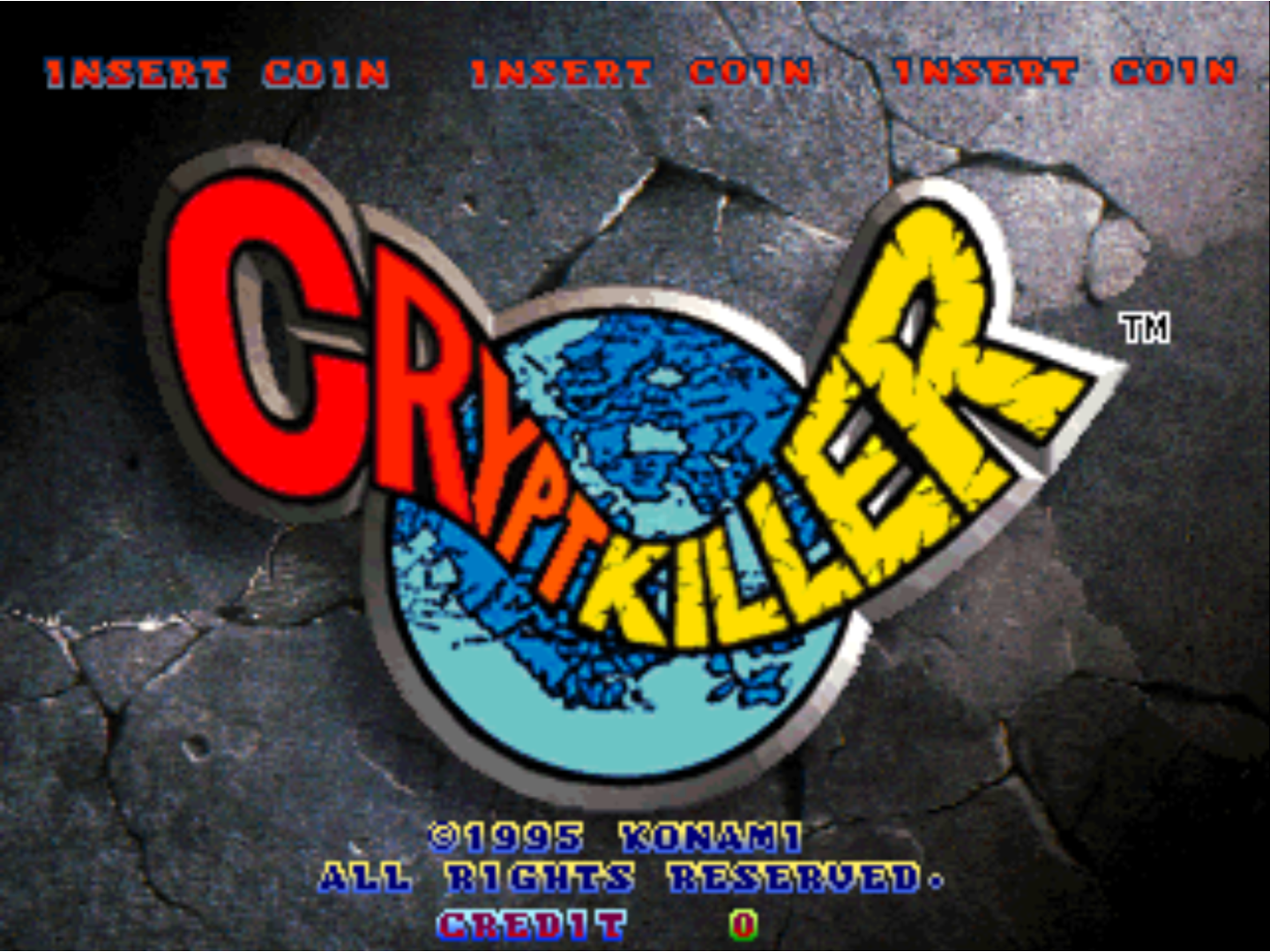
Konami GQ support combines SCSI storage, expanded arcade hardware, and support for the game's multi-player gun controls.
Getting Started
Get the current Windows build and extract ArcadeDuck to the location you want to use.
Provide the required board-specific BIOS files for the arcade hardware you want to run.
Point ArcadeDuck at your supported arcade ROM and storage media so your games can be added to the library.
Select the appropriate game profile and assign your arcade controls, lightguns, trackballs, or other devices.
Development
ArcadeDuck continues to expand support for PlayStation-derived arcade systems while building an interface, input system, and feature set designed specifically around arcade games.
Completed
In Development